The Intel Edison board is shipped with the Yocto Linux distribution installed. Yocto allows an experienced developer to compile a small-size Linux image with only the selected packages. Then the image is flashed into the board. It’s not as convenient as Ubuntu as there are no pre-compiled packages that are easy to install.
I wanted to add the program mc (Midnight Commander); so, I had to recompile the Yocto image. My computer OS is Linux Ubuntu 14.04. I experienced a few problems while compiling; so, I’ll describe them here.
The main document is Board Support Package (BSP) User Guide. I followed it.
Installed the prerequisite packages with the following command:
sudo apt-get install build-essential git diffstat gawk chrpath texinfo libtool \
gcc-multilib dfu-util u-boot-tools
Set up my git name and email:
git config --global user.name "YOUR NAME"
git config --global user.email "YOUR EMAIL ADDRESS"
Downloaded the package Linux source files from the Intel Edison Software Downloads page. At the time of writing, it was in the section Intel Edison® Board Firmware Software Release 2.1.
I install everything related to the Intel Edison into the directory /home/farit/edison. The Linux sources consume 11G in that directory.
Decompressed the source package:
tar xzf edison-src-ww25.5-15.tgz  -C /home/farit/edison/
cd /home/farit/edison/edison-src/
Moved my download and build cache (also called sstate) directories from the default location under the build directory, using the –dl_dir and –sstate_dir options. To create download and sstate directory, used the mkdir command:
mkdir /home/farit/edison/bitbake_download_dir
mkdir /home/farit/edison/bitbake_sstate_dir
Used the setup.sh script to initialize the build environment for Intel Edison.
/home/farit/edison/edison-src/meta-intel-edison/setup.sh \
--dl_dir=/home/farit/edison/bitbake_download_dir \
--sstate_dir=/home/farit/edison/bitbake_sstate_dir \
--build_dir=/home/farit/edison/edison-src
After the setup, I ran these commands recommended by the setup script:
cd /home/farit/edison/edison-src
source poky/oe-init-build-env
bitbake edison-image
The compilation took 5 or so hours. I should’ve used the SSD disk. But most files have been downloaded and cached now; so, it doesn’t take much time the second time.
Then I decided to compile in Midnight Commander. I checked the name of the package on the Yocto recipes directory. It was “mc”.
I opened the file /home/farit/edison/edison-src/meta-intel-edison/meta-intel-edison-distro/recipes-core/images/edison-image.bb and added the lines at the bottom:
#Midnight Commander
IMAGE_INSTALL += "mc"
Then ran again:
cd /home/farit/edison/edison-src
source poky/oe-init-build-env
bitbake edison-image
Then I created a new Linux image:
/home/farit/edison/edison-src/meta-intel-edison/utils/flash/postBuild.sh
/home/farit/edison/edison-src/build/toFlash/flashall.sh
At first, the command complained about the non-existing mkimage program, which is in the package u-boot-tools:
Error : ota_update.scr creation failed, mkimage tool not found
I added a symlink to mkimage and ran the postBuild.sh script again:
cd /home/farit/edison/edison-src
mkdir -p u-boot/tools
cd u-boot/tools
ln -s /usr/bin/mkimage mkimage
When there were no errors, I looked in the directory /home/farit/edison/edison-src/build/toFlash. It contained the same files as in the Intel’s firmware image.
I ran the command flashall.sh in it as root. I added myself into the group “dialout”; so, I should be able to connect to a USB port as a regular user. I’ll check it again the next time.
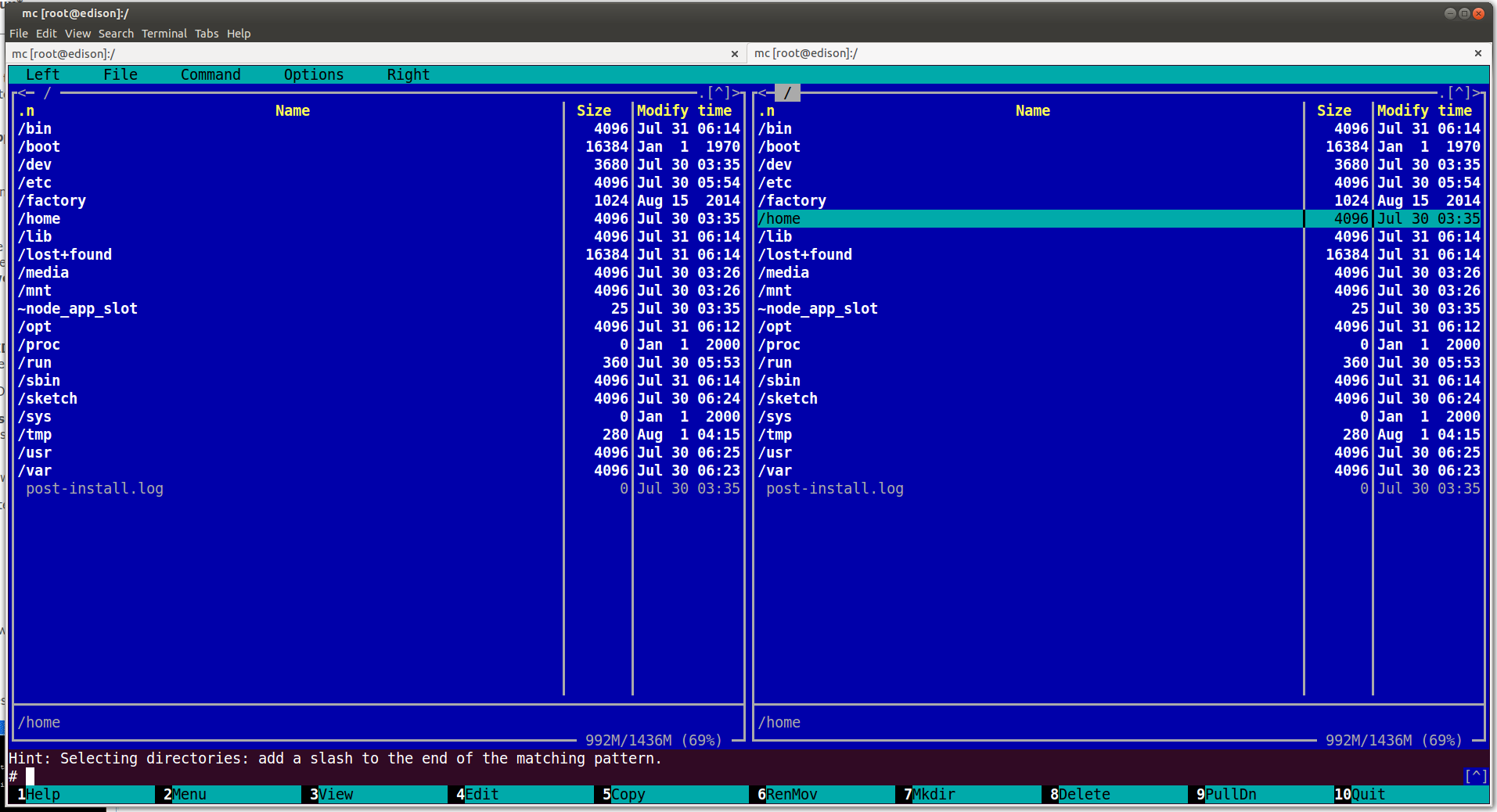
By default, the subshell (Ctrl-O) doesn’t work in Midnight Commander as it requires bash. Change your user shell from the default “/bin/sh” to “/bin/bash” in /etc/passwd.
When I want to quickly recompile just the kernel after changes, I run these commands:
cd /home/farit/edison/edison-src
source poky/oe-init-build-env
bitbake -f linux-yocto
One thought on “Building Yocto Linux for Intel Edison”